
Case 05 / 10
Recruitment site for a Belgian federal public service
A Belgian federal public service needed one recruitment site for students, starters and professionals, in Dutch and French. Through DLVX, working for a Belgian digital agency, I built it as a custom WordPress theme that HR runs without a developer. The agency reports 2,000+ applications in the first six months and 40,000+ visitors a month.
- Role
- WordPress Developer
- Client
- Belgian federal public service, via a Belgian agency
- Year
- 2024–2025
- Stack
- WordPress, ACF Pro, WPML, Bootstrap, SCSS
2,000+
applications in the first six months
40,000+
visitors a month
2,787
Belgian places, searchable by name or postcode
NL / FR
every page, term and field in both languages
Applications and visitors as reported by the agency.
Key contributions
-
01
Vacancy search built for public hiring
Search by job title, location, diploma, department and contract type. Vacancies with a fixed application window hide themselves outside it, and a filterable RSS feed passes them on to other systems.
-
02
2,800 Belgian locations, in two languages
Imported every Belgian postcode with its coordinates into a location taxonomy, mirrored terms and fields into French with WPML, and cached location search so it stays fast.
-
03
A content model HR can run
Custom post types, 23 ACF field groups and 36 reusable page sections cover vacancies, departments, job domains, events, staff stories and FAQs. Event filters show the number of results live, before you apply them.
Screens
 (opens in a new tab)
 (opens in a new tab)
 (opens in a new tab)
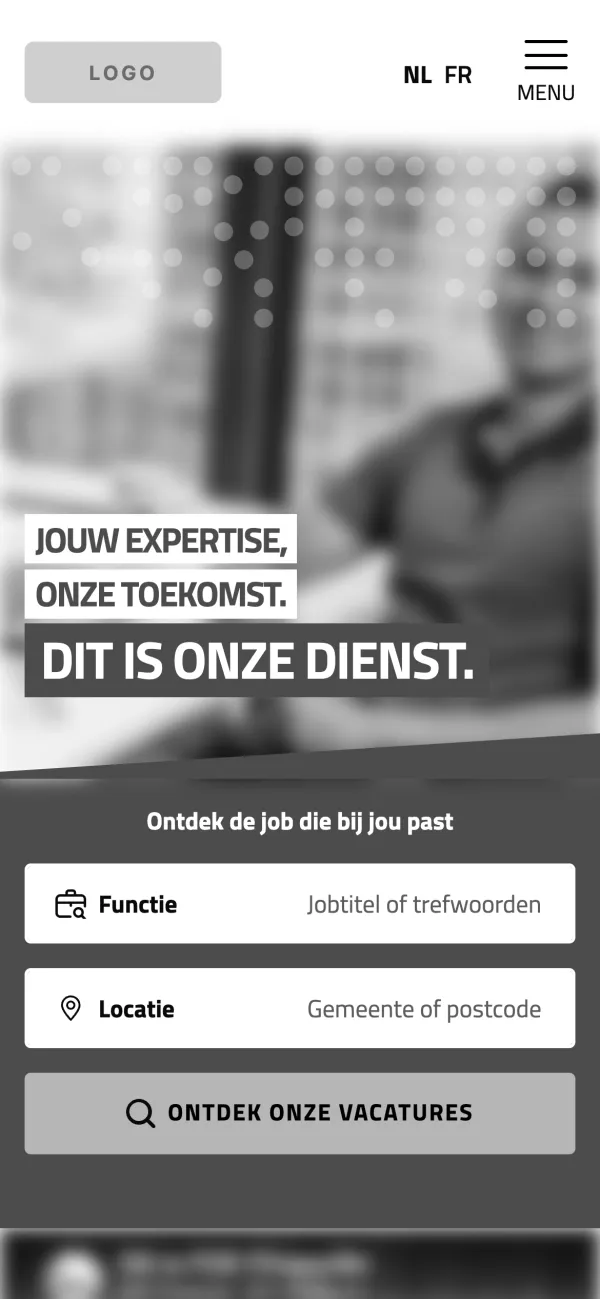
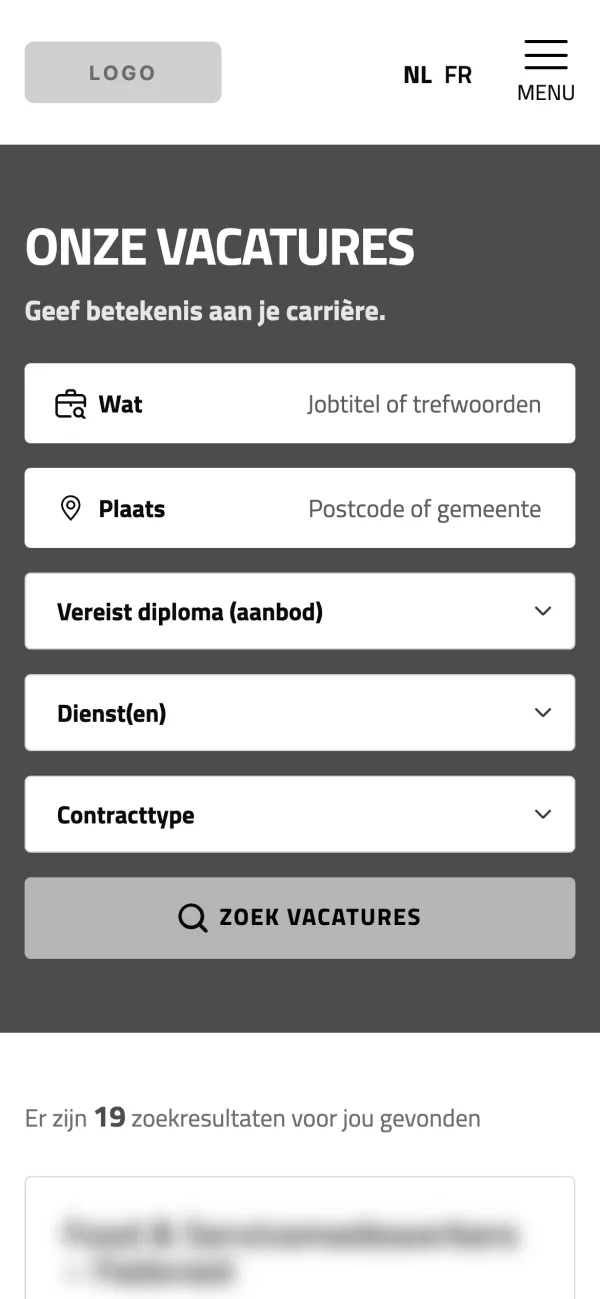
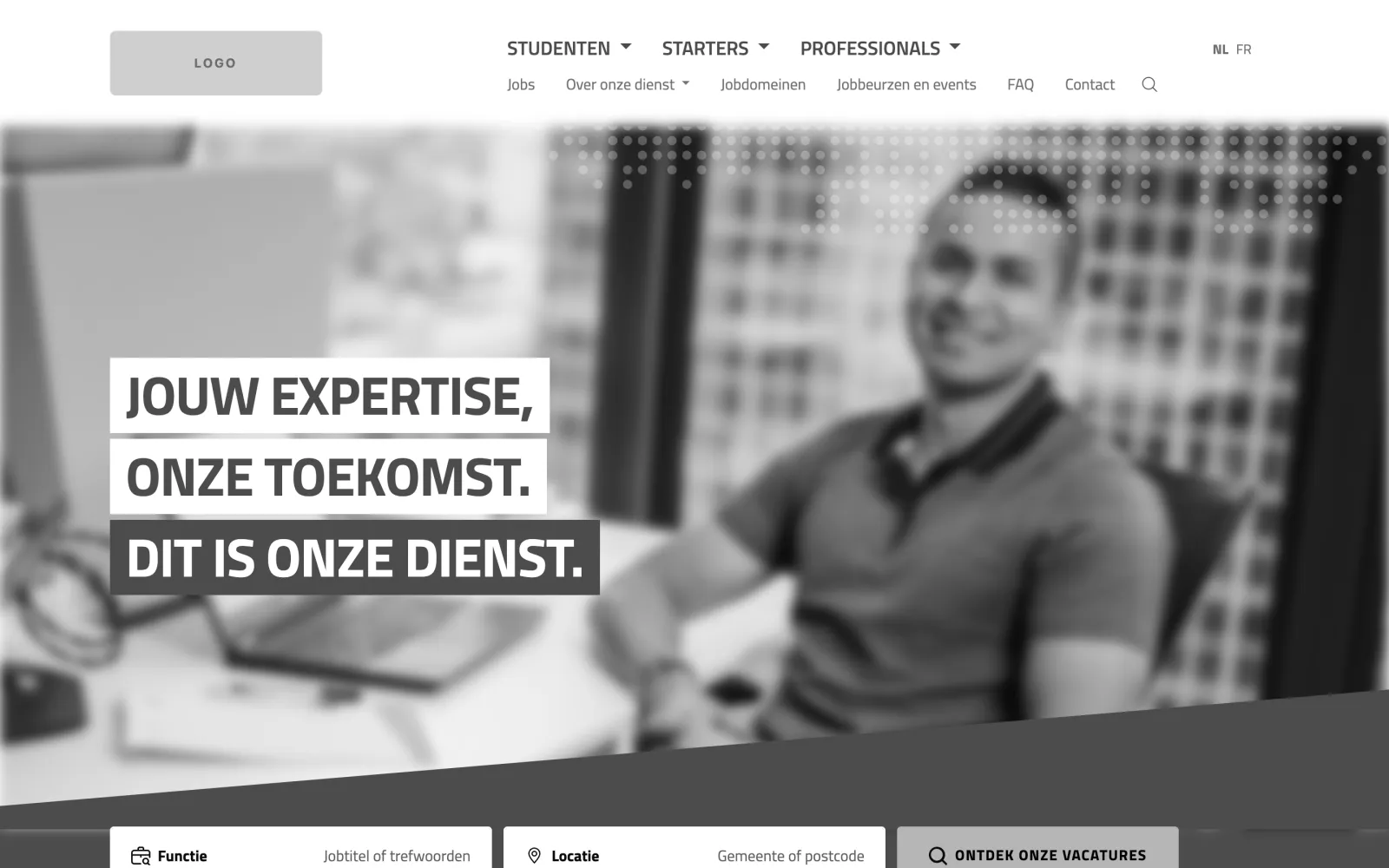
Screens from the live site, in Dutch.
Anonymised: logos, brand names, photos, departments and contact details are removed or blurred, and the brand colours are greyed out.
The backend
Every page is built from one flexible-content field with 36 reusable section layouts. Editors stack sections in any order on a page, and set shared sections once for each type of detail page: vacancies, events, job domains, FAQs and news. Each layout maps to one PHP partial, so adding a new section means one layout and one file, and nothing else in the theme changes.
 (opens in a new tab)
 (opens in a new tab)
 (opens in a new tab)
 (opens in a new tab)
The theme running in a local Docker copy with only one plugin, Secure Custom Fields (the free fork of ACF), and demo content.
Field groups, post types, taxonomies and options pages all load from JSON in the theme, so the content model lives in version control.
One layout, one file
// page.php: render the sections in the order the editor set
foreach (get_field('flexible_sections') ?: [] as $section) {
    echo getFlexibleSections($section['acf_fc_layout'], $section);
}

// functions.php: each layout name is a partial
function getFlexibleSections($layout, $flexible_section = null) {
    ob_start();
    require get_template_directory() . "/template-parts/flexible/$layout.php";
    return ob_get_clean();
}
Simplified from the theme. The same loop runs on pages, vacancies, events, job domains, stories and FAQs.
The section library
- Heroes 6
- Content 9
- Quotes & stories 3
- Sliders 5
- Calls to action 3
- Archives & feeds 10
